
Teaching desk
Check the subject, section, day, and time of the next class. Open attendance from the schedule.
For Teachers
From the first attendance check to a private progress update for a family.
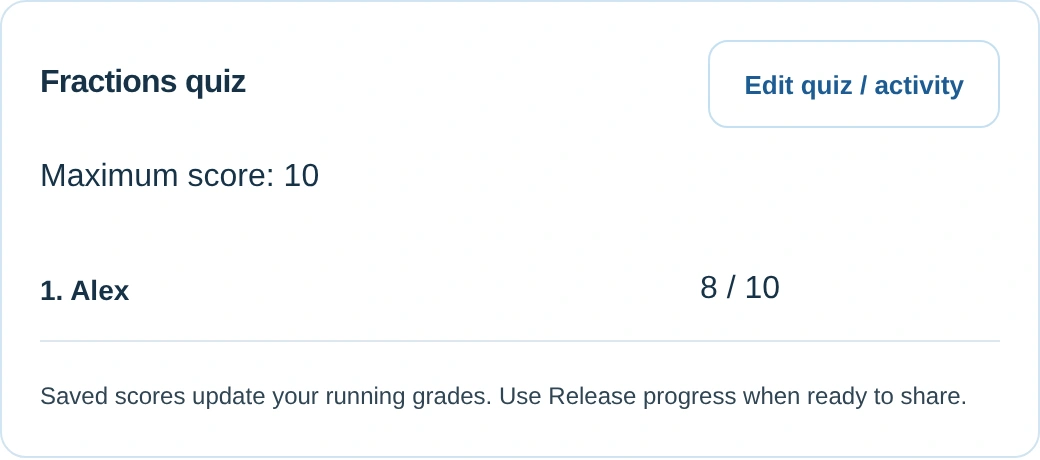
A learner scores 8 out of 10 on a Mathematics quiz. Save the score in Class record, review it, then choose Release progress when you are ready for the learner and eligible linked family to see it.
Check the subject, section, day, and time of the next class. Open attendance from the schedule.
Elementary advisers take one daily roll for their advisory section. Junior High, Senior High, and college teachers record attendance by subject or class meeting. An empty entry stays unrecorded.
Share a reviewer with selected learners, assign homework, and follow up on answers.
Message linked accounts privately. Classroom activity photos are available to linked classroom members for three days to view or save.