
For Students & Parents
Following progress together
The same released quiz can start a conversation at school and at home.
Student view
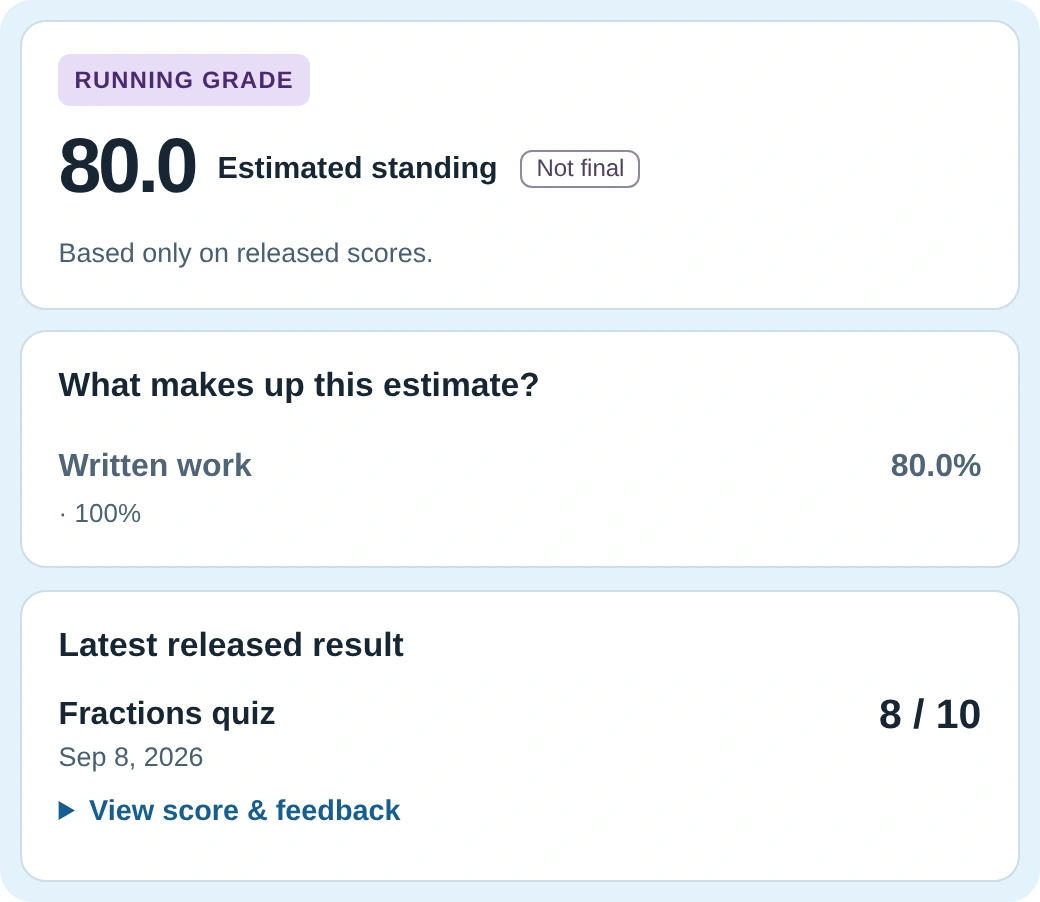
Your teacher shared your Mathematics quiz. You scored 8 out of 10. Check your released work, open a reviewer, and see which lesson to practise next.
Your running grade reflects released scores so far and can change as the term progresses. Use the calendar, attendance history, and schoolwork list to keep track of class.
Parent / Guardian view
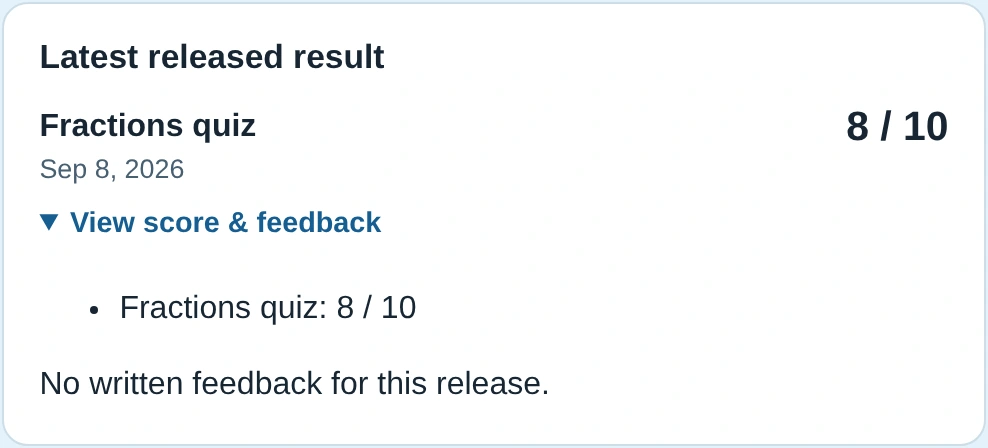
Choose your child in Family home to see their subjects, attendance, and released results. A quiz score gives you a starting point. “Which question was tricky? Let’s try it together.”
Open the reviewer together or ask the linked teacher a question in Messenger.
Who can see a learner’s results?
A family sees its own child’s released records. When a student turns 18, progress becomes private. The student chooses whether to share it again with a linked parent.